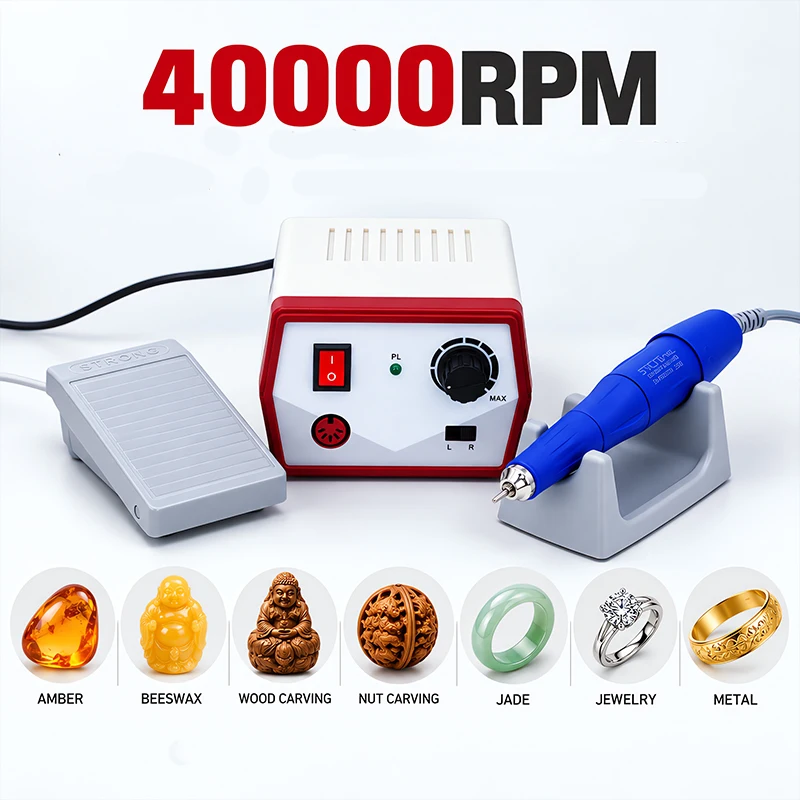
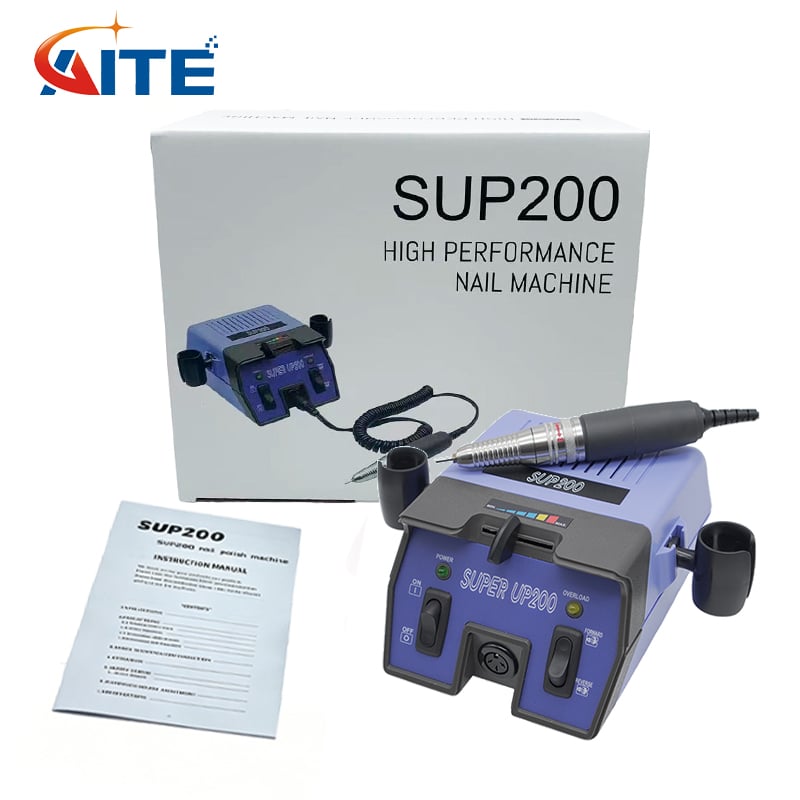
Portable metal engravers are essential tools in various industries, enabling users to create precise engravings on metal surfaces. As a B2B buyer, understanding the key features, installation processes, and common issues associated with these devices is crucial for making informed purchasing decisions. This article will provide insights into what to consider when selecting a portable metal engraver, the features that matter, guidance on installation, what you can expect from these tools, and solutions to common problems.
When selecting a portable metal engraver, several key factors should guide your decision-making process:
Engraving Depth and Speed: The depth of the engraving affects the durability and visibility of the markings. Faster engraving speeds can enhance productivity, especially in high-volume applications.
Material Compatibility: Ensure that the engraver can handle the specific types of metals you plan to work with, whether it’s stainless steel, aluminum, brass, or other alloys. Some machines may require specific settings or attachments to achieve optimal results on different materials. For instance, using appropriate Spare Parts can help maintain the machine's efficiency.
Power Source: Consider whether a corded or battery-operated model best suits your operational environment. Corded models typically offer consistent power but may limit mobility, while battery-operated models provide flexibility but require regular recharging.
Portability and Design: Look for features that enhance portability, such as lightweight designs and ergonomic handles, which can improve ease of use in various settings, from workshops to job sites.
User-Friendly Controls: Intuitive controls and interfaces can reduce the learning curve for new users. Features like adjustable speed settings and easy-to-read displays are beneficial for optimizing engravings.
Maintenance Requirements: Understanding the maintenance needs of the engraver is crucial for longevity. Some models may require regular cleaning or part replacements, which can affect operational costs. Utilizing From alibaba resources can provide you with necessary components for upkeep.
Price and Warranty: Ensure the price aligns with your budget, but also consider the warranty and customer support options. A reliable warranty can provide peace of mind and protect your investment.
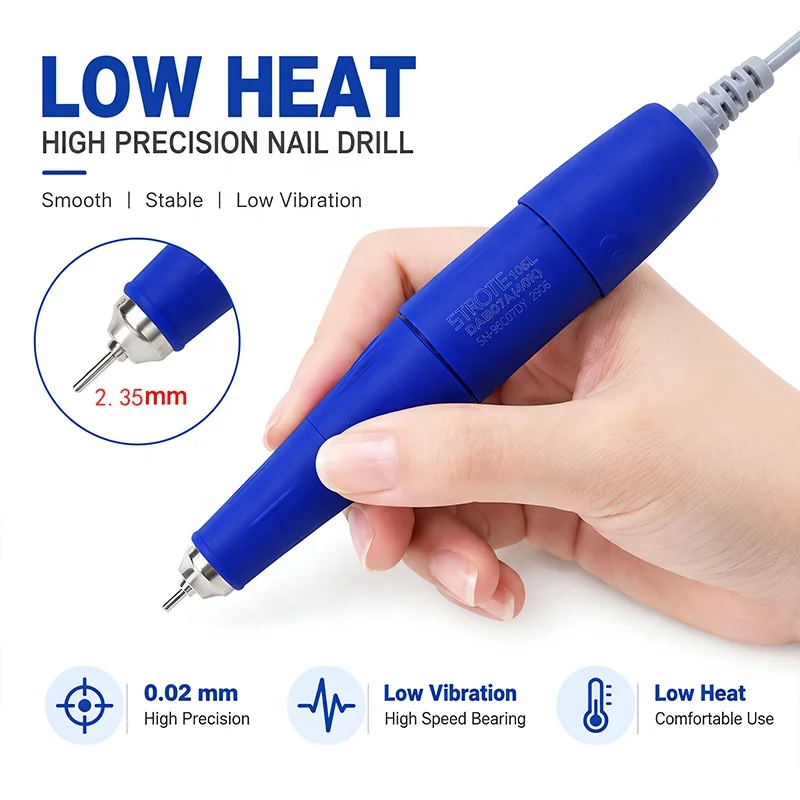
Portable metal engravers come with various features that enhance their functionality and efficiency:
Laser Versus Rotary Engraving: Laser engravers use focused light to etch designs, while rotary engravers use a spinning bit. Laser engravers are often more versatile and can handle a broader range of materials with precision, whereas rotary engravers may be more cost-effective for certain applications.
Variable Speed Settings: Adjustable speed settings allow users to fine-tune the engraving process based on the material and design complexity. This flexibility is essential for achieving the desired finish and depth.
Dust Collection Systems: Some portable engravers include built-in dust collection to maintain a clean work environment. This feature not only improves visibility but also enhances safety by reducing airborne particles.
Software Compatibility: Many modern engravers can integrate with design software, allowing users to create intricate designs digitally before engraving. Ensure that the machine you choose is compatible with the software you plan to use.
Safety Features: Look for engravers equipped with safety mechanisms, such as automatic shut-off or protective casings, to prevent accidents during operation.
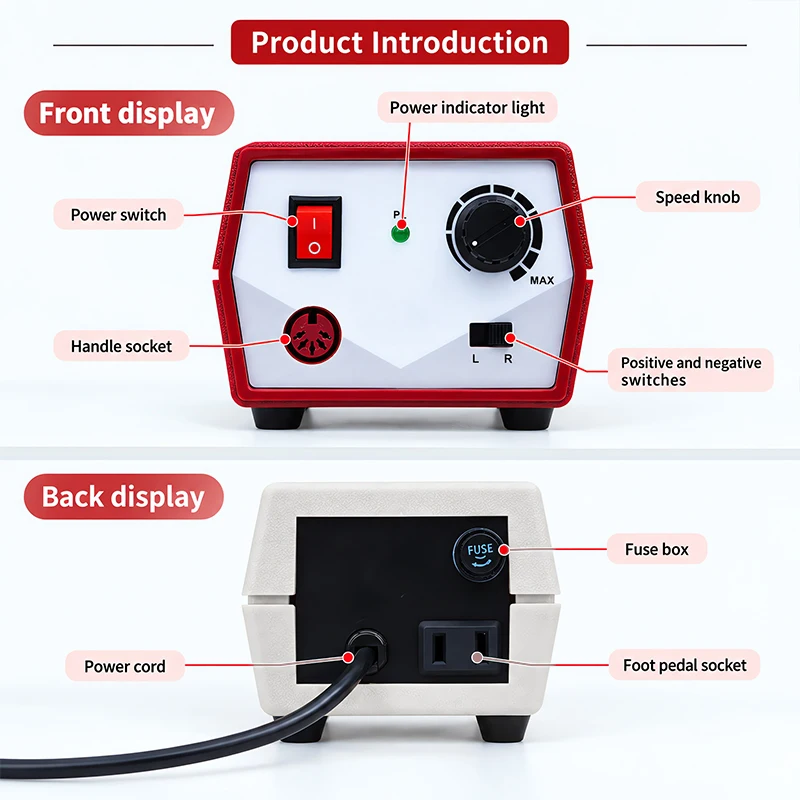
Installing a portable metal engraver typically involves the following steps:
Location Selection: Choose a stable, well-lit workspace that accommodates the engraver’s size and allows for safe operation. Ensure that the area is free from hazards and has adequate electrical supply (if applicable).
Assembling the Machine: Follow the manufacturer's instructions carefully for assembly. Ensure that all components, such as the engraving head and power supply, are securely attached.
Software Installation: If your engraver requires software, install it on your computer before connecting the machine. Follow the provided guidelines for setting up communication between the engraver and your device.
Calibration: Calibrate the engraver according to the manufacturer's instructions. This step is crucial for ensuring accuracy and precision in your engravings.
Testing: Before starting production, conduct test engravings on scrap material to confirm that the settings are correct and the machine operates smoothly. Adjust settings as necessary based on the results.
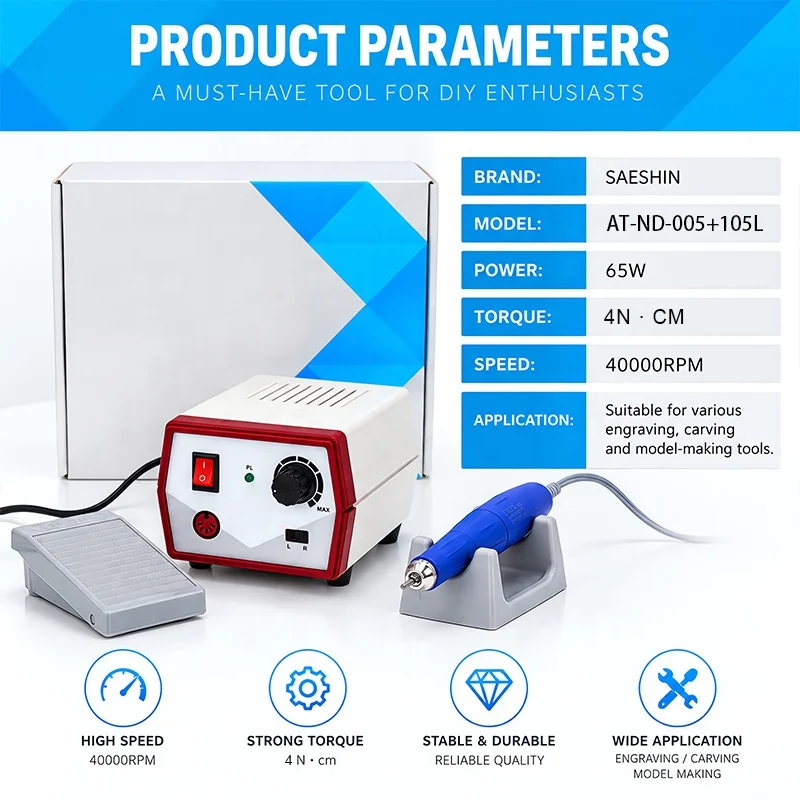
Portable metal engravers are designed to provide flexibility and efficiency. Here are some expectations you should have:
Performance Consistency: Quality engravers can produce consistent results across multiple uses. Look for models that are known for precision and reliability.
Versatility: Depending on the features, many portable metal engravers can handle a variety of tasks, from simple text engraving to complex designs. This versatility can make them a valuable asset across different projects.
Learning Curve: While many engravers are user-friendly, there may still be a learning curve involved. Expect to spend some time familiarizing yourself with the machine and its capabilities, especially if using advanced features.
Durability: A well-constructed portable metal engraver should withstand regular use in demanding environments. Consider materials and build quality when evaluating options.
Even the best portable metal engravers can encounter issues. Here are some common problems and their solutions:
Inconsistent Engravings: If you notice variations in engraving depth or clarity, check the calibration and settings. Ensure the material is securely held in place and that the engraving head is clean and functioning properly.
Overheating: Prolonged use may cause some engravers to overheat. Allow the machine to cool down and follow the manufacturer's recommended duty cycles to prevent damage.
Software Issues: Compatibility problems with design software can hinder operations. Ensure that you are using the latest version of the software and that it is compatible with your engraver model.
Power Supply Problems: If the engraver does not power on or frequently shuts off, inspect the power supply and connections. Ensure that the unit is plugged into a stable power source and that the cables are undamaged.
Material Compatibility: Not all materials engrave well with every machine. If you’re experiencing issues with specific metals, consult the manufacturer for recommendations on settings or suitable materials.
By understanding these common issues, you can take proactive steps to maintain your engraver and ensure optimal performance over time.
In summary, selecting the right portable metal engraver requires careful consideration of various factors, including features, installation processes, and potential problems. By being informed about the capabilities and requirements of these tools, you can make a more confident purchasing decision that meets your business needs.
 EN
 AR
 BG
 HR
 CS
 DA
 NL
 FI
 FR
 DE
 EL
 IT
 JA
 NO
 PL
 PT
 RU
 ES
 SV
 CA
 TL
 IW
 ID
 LV
 SR
 SK
 SL
 UK
 SQ
 ET
 GL
 MT
 FA
 MS
 GA
 CY
 BE
 MK
 KA
 BN